
Resource center
& video tutorials
Discover our tutorials, installation guides, and features to master your Oofti solutions.
Recent tutorials
 01:48
01:48
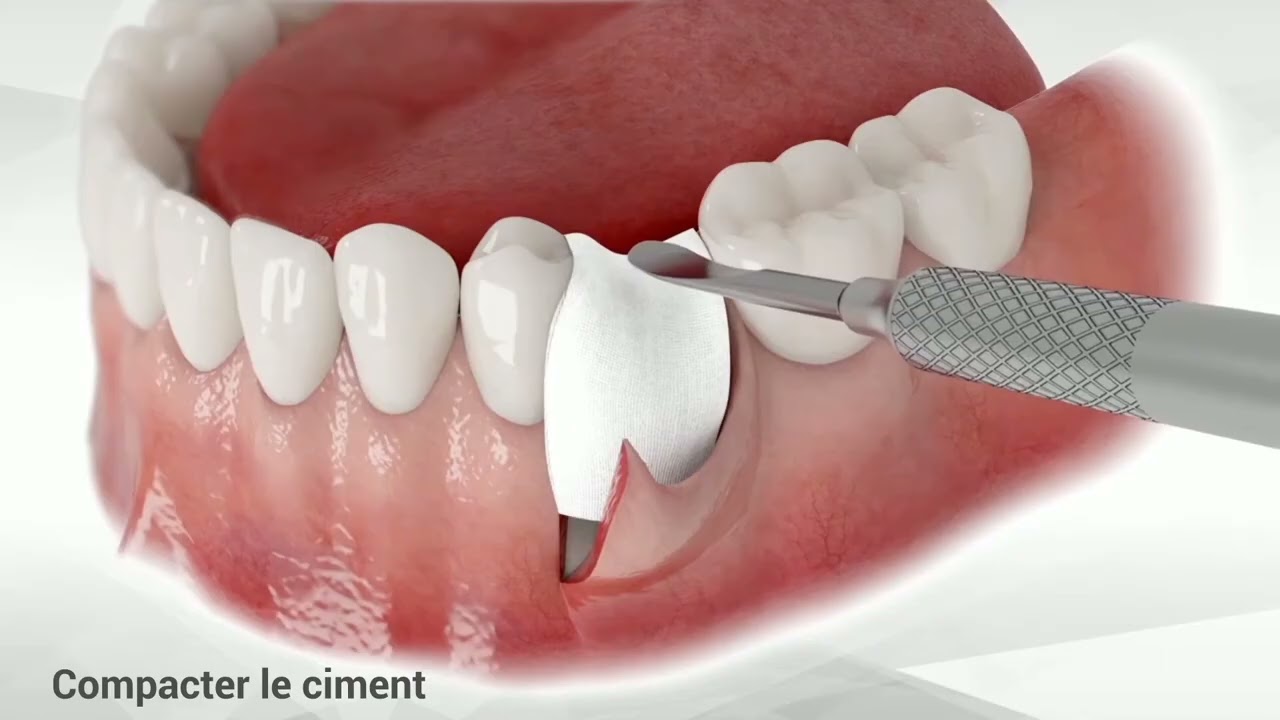
Augma Bond Apatite®: clinical application protocol
Discover the application protocols for Augma Bond Apatite® in dental surgery: socket filling, socket filling with a flap, and lateral ridge augmentation.
 01:23
01:23
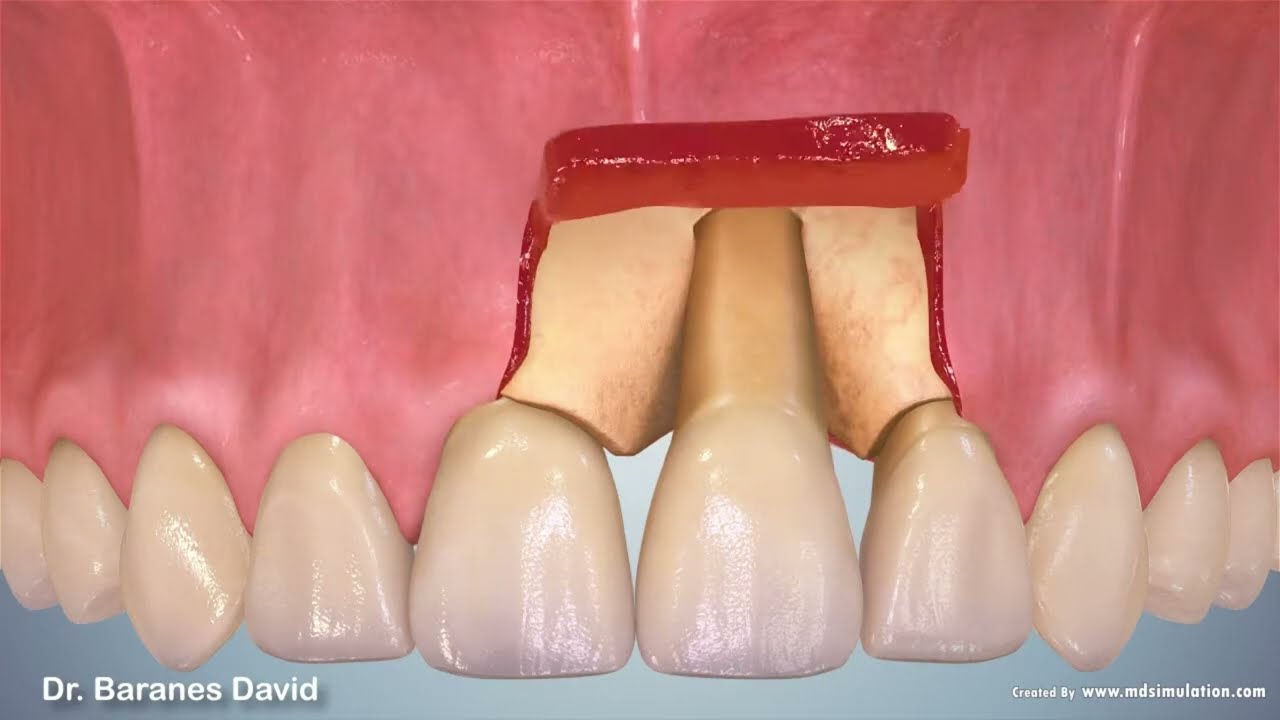
Filling a bone dehiscence during implant placement - Augma
This case illustrates the use of Bond Apatite® in an implantology setting, when a bone defect must be filled to promote bone regeneration around the implant.
 06:06
06:06
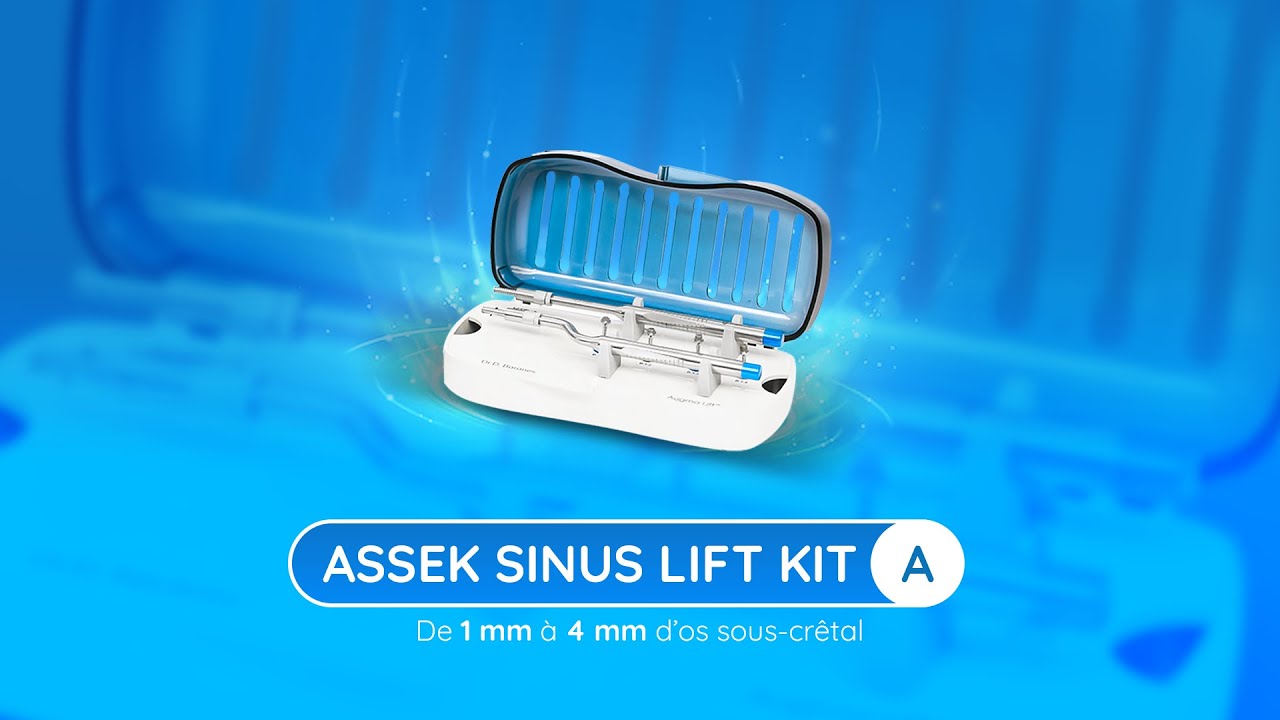
Protocol for using ASSEK Lift kit A
A minimally invasive approach to crestal sinus lift surgery.
 07:57
07:57
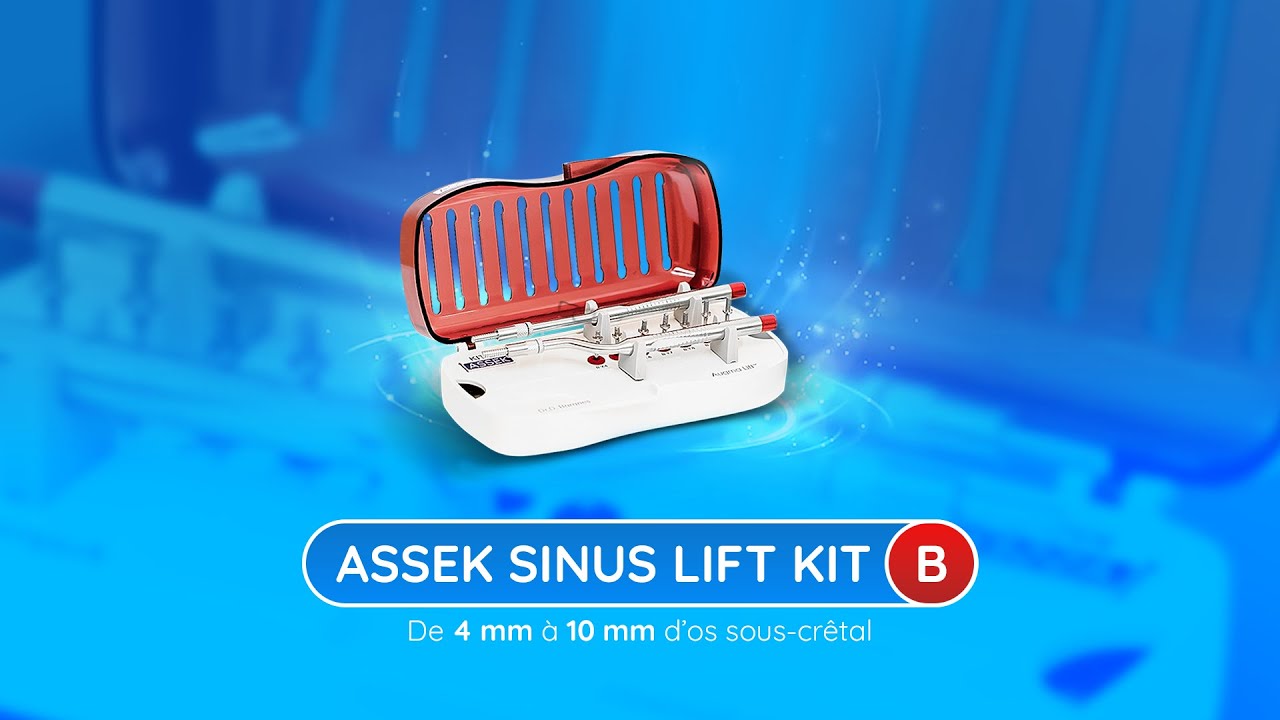
Protocol for using ASSEK Lift Kit B
A minimally invasive approach to crestal sinus lift surgery.
 01:01
01:01
Installing the Xpect Vision sensor
Follow all the steps to install and configure your Xpect Vision sensor.
 01:25
01:25
Xpect Vision sensor calibration
Use the USB drive provided in the box to import the calibration file and the plate for manual calibration.
 02:48
02:48
Using the Woodpecker sensor
Basic features for using your iSensor Woodpecker sensor
 1:18
1:18
Setting up the Rayshape Edge Mini printer
First steps before using your Rayshape Edge Mini printer
First steps before using your Rayshape Edge Mini printer
Download the user manual
 1:49
1:49
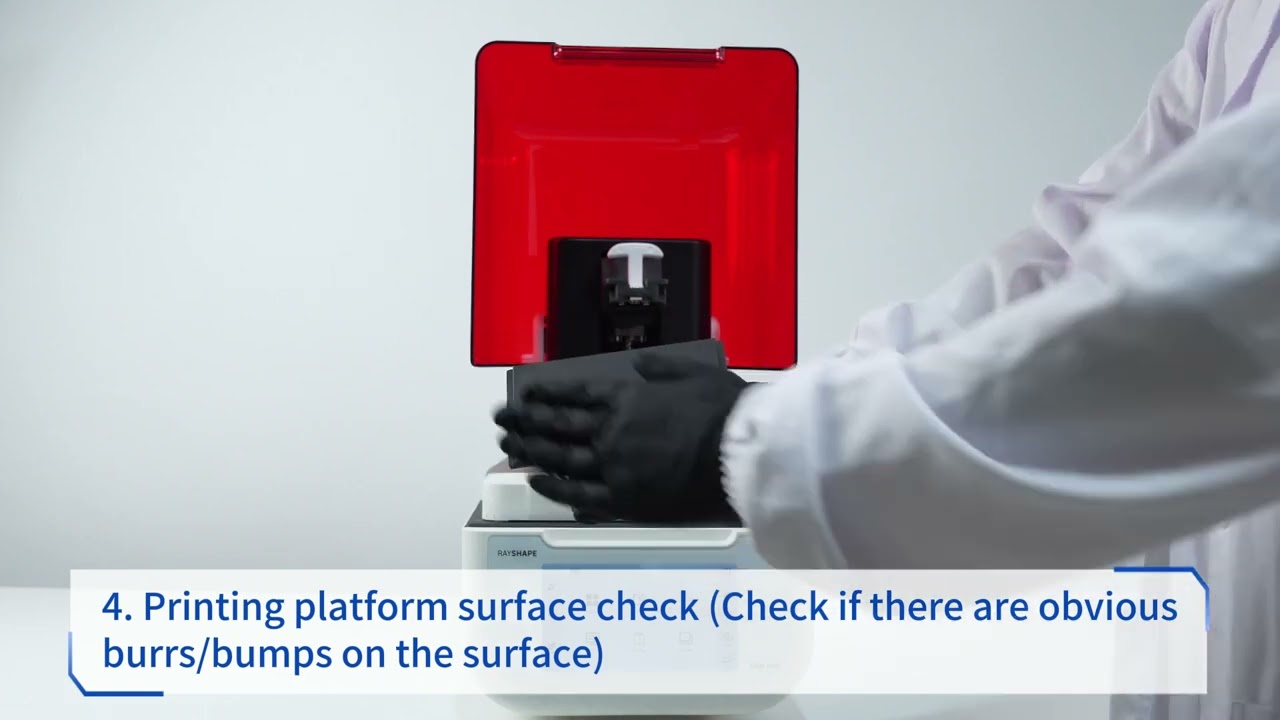
Using the Rayshape Edge Mini printer
Initialize your Rayshape Edge Mini printer
Initialize your Rayshape Edge Mini printer
Download the user manual
 0:57
0:57
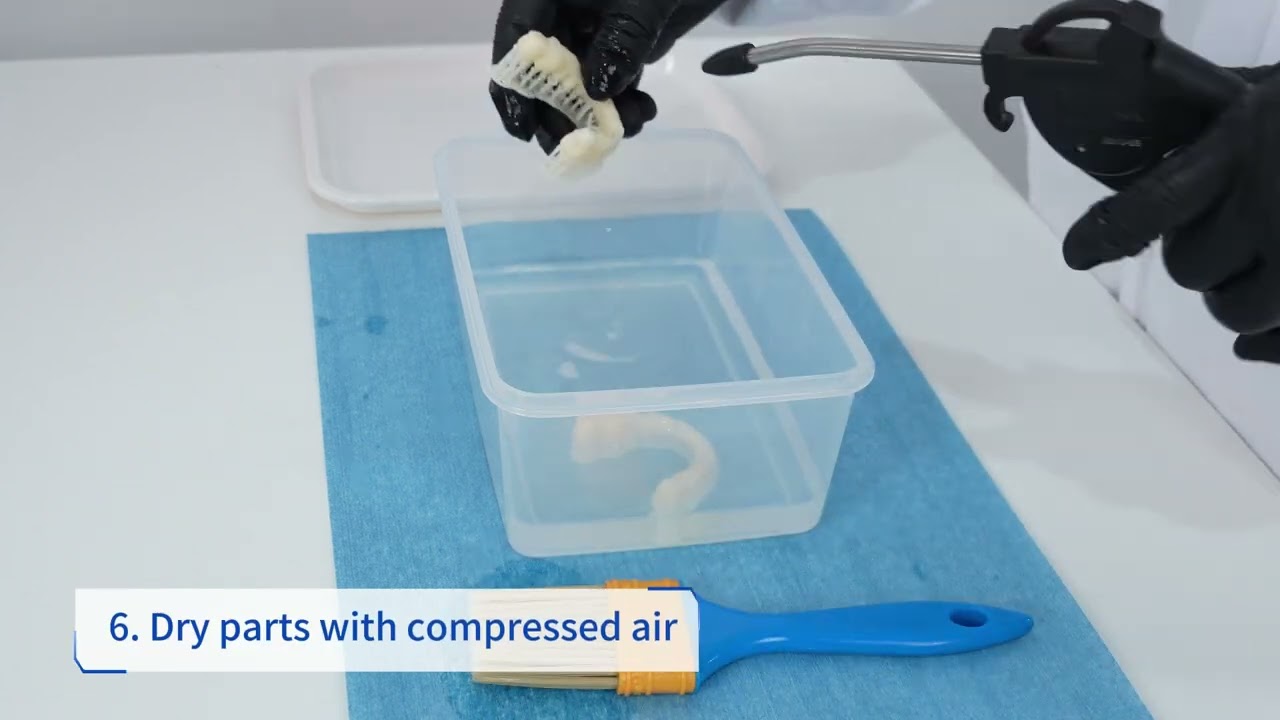
Post-processing operations - Rayshape Edge Mini Printer
Discover how to perform post-processing operations
Discover how to perform post-processing operations
Download the user manual
 1:17
1:17
Maintaining your printer - Rayshape Edge Mini Printer
Checking and cleaning your printer
Checking and cleaning your printer
Download the user manual
 0:41
0:41
Connecting to the network - Rayshape Edge Mini Printer
Learn how to connect your printer to your network
Learn how to connect your printer to your network
Download the user manual
 4:50
4:50
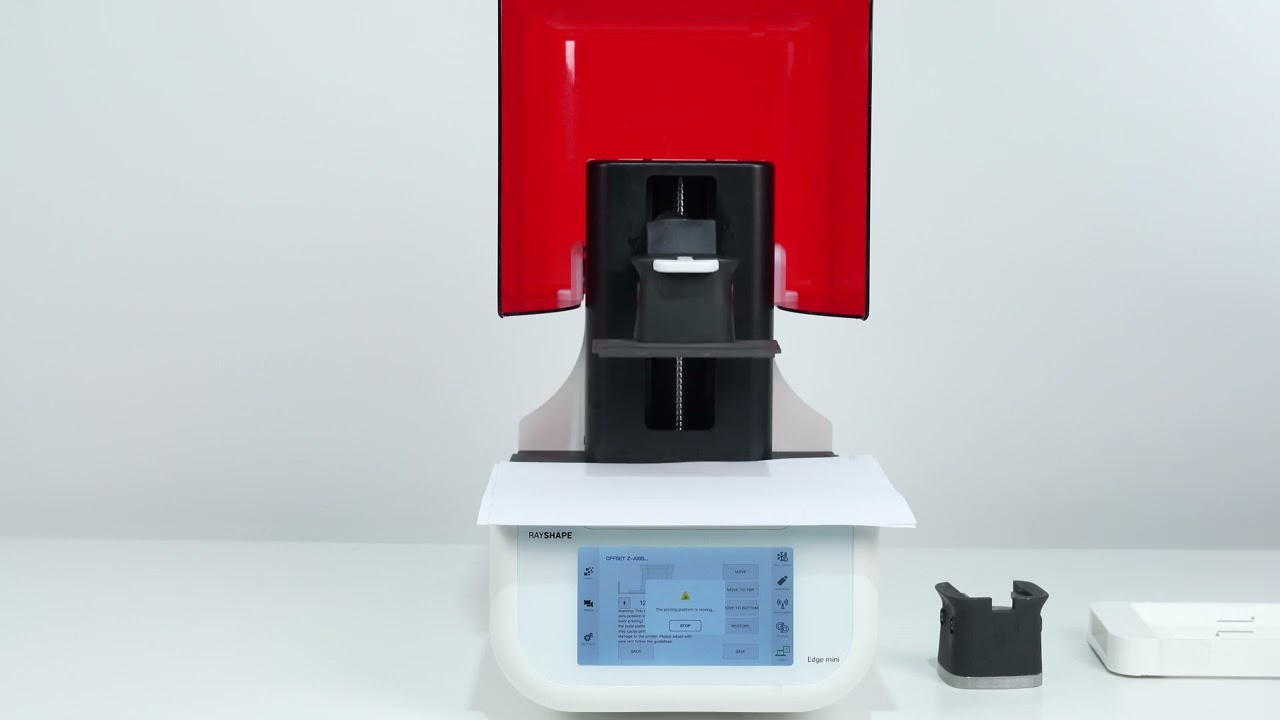
Adjusting the build platform - Rayshape Edge Mini Printer
Steps for adjusting your printer's build platform
Steps for adjusting your printer's build platform
Download the user manual
 1:24
1:24
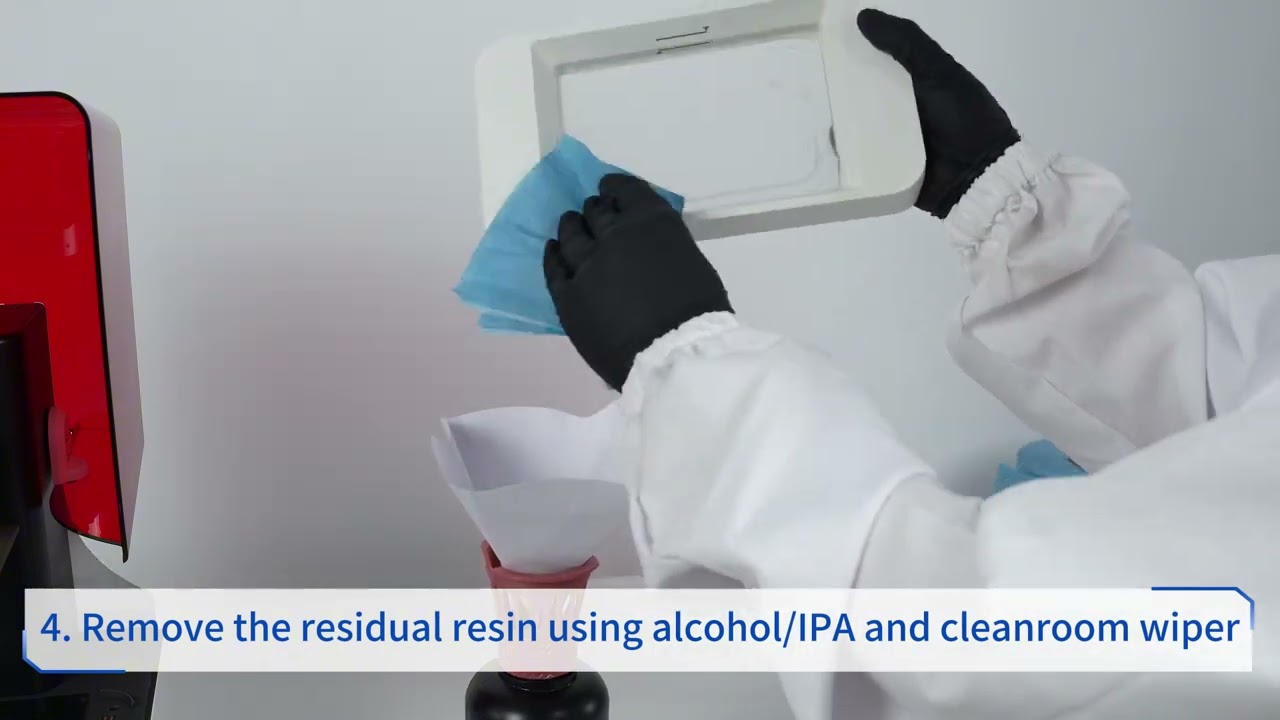
Managing leftover resin - Rayshape Edge Mini Printer
Discover what you can do when there is leftover resin in your printer
Discover what you can do when there is leftover resin in your printer
Download the user manual
 0:33
0:33
Initializing the Rayshape Edge E2 3D printer
Getting started with the Rayshape Edge E2 3D printer
Getting started with the Rayshape Edge E2 3D printer
Download the user manual
 0:38
0:38
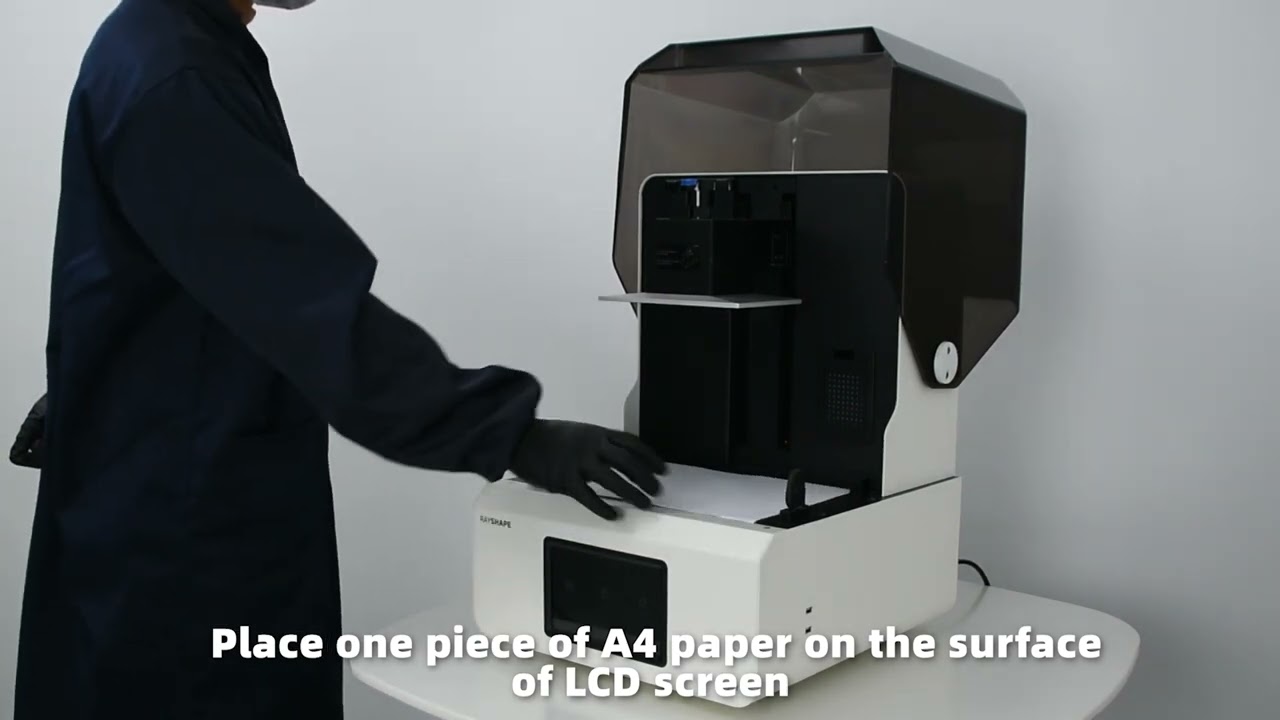
Checking and adjusting the platform level - Rayshape Edge E2
Steps for adjusting your printer's build platform
Getting started with the Rayshape Edge E2 3D printerSteps for adjusting your printer's build platform
Download the user manual
 1:52
1:52
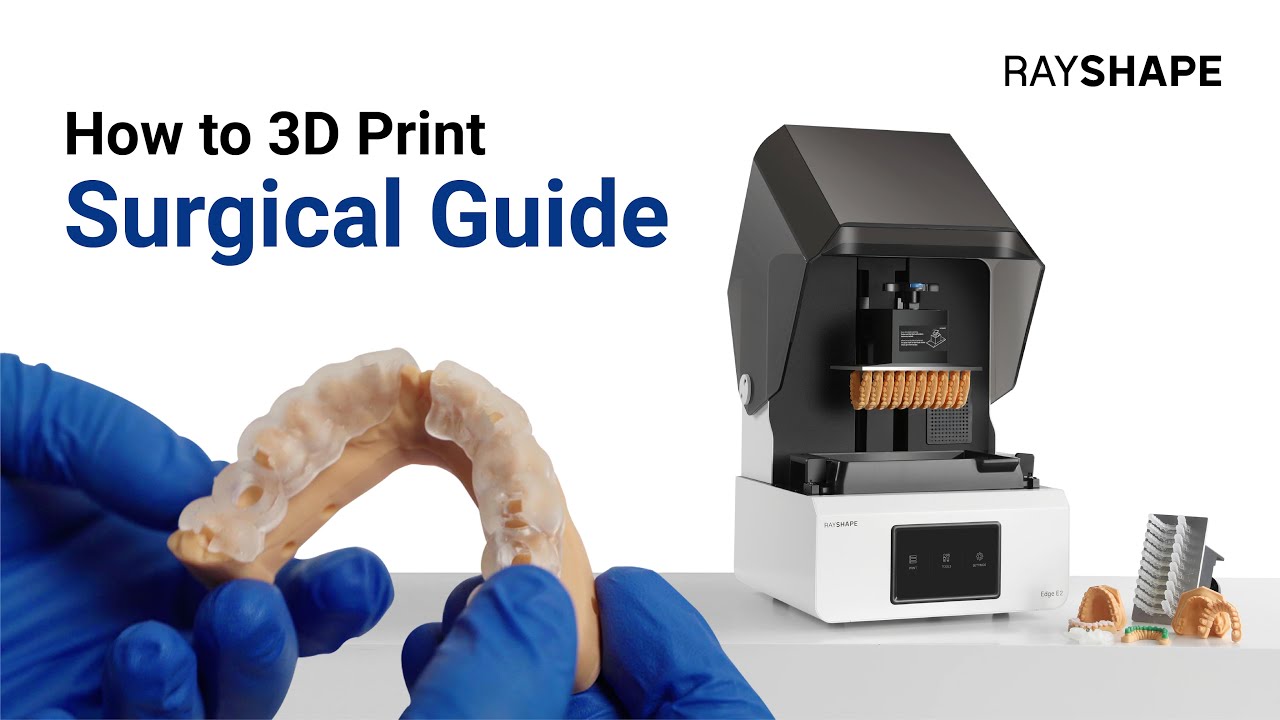
3D printing of dental surgical guides - Rayshape Edge E2
Printer setup, preparing your 3D model, and optimizing print settings
Printer setup, preparing your 3D model, and optimizing print settings
Download the user manual
 1:32
1:32
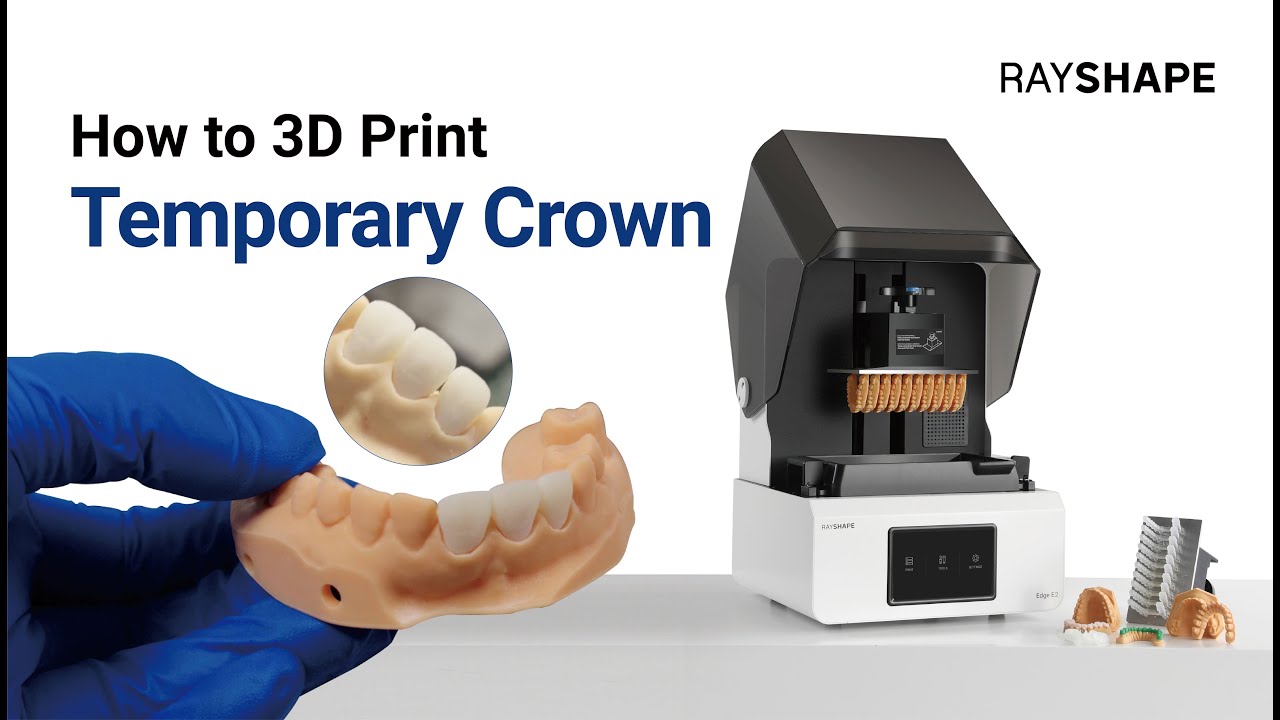
3D printing of temporary crowns and provisional teeth - Rayshape Edge E2
Printer setup, choosing the right dental resin, and optimizing print settings
Printer setup, choosing the right dental resin, and optimizing print settings
Download the user manual
 2:17
2:17
Introduction to the interface - Runyes Scanner
Discover the main features of your Runyes scanner
Discover the main features of your Runyes scanner
Download the user manual
 1:35
1:35
Interactive interface overview - Runyes scanner
Patient creation and case creation
 5:34
5:34
Toolbar features - Runyes scanner
Learn how to use the toolbar in your cases
 3:01
3:01
Real-life practical case - Runyes scanner
Through this practical case, you will better understand how to use your scanner on a daily basis
 1:49
1:49
Cloud sharing - Runyes scanner
Share your cases with the laboratory using the Cloud
 0:56
0:56
UNIZ integration - Runyes scanner
Discover how to integrate UNIZ with your scanner
 1:34
1:34
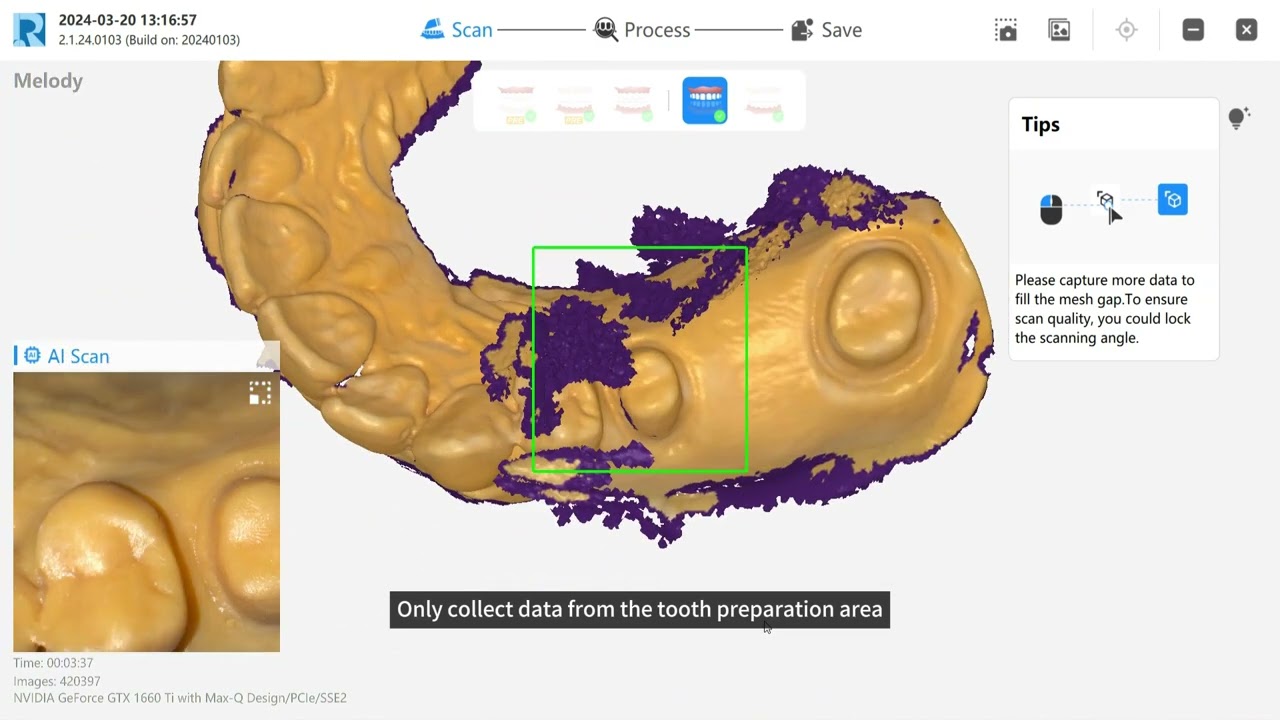
DentalWings integration - Runyes scanner
Use DentalWings export methods in your scanner
 5:31
5:31
Preoperative scanning guide - Runyes scanner
Discover best practices for carrying out accurate and reliable preoperative scanning.
 2:31
2:31
Getting started with the Rayshape Shapecure D curing unit
Learn how to use your Shapecure D curing unit
Learn how to use your Shapecure D curing unit
Download the user manual
 4:16
4:16
Using the Rayshape ShapeWash ultrasonic cleaner
Learn how to use your ShapeWash ultrasonic cleaner
Learn how to use your ShapeWash ultrasonic cleaner
Download the user manual
 1:38
1:38
Runyes sensor installation
Tutorial for installing and configuring your Runyes sensor
 2:19
2:19
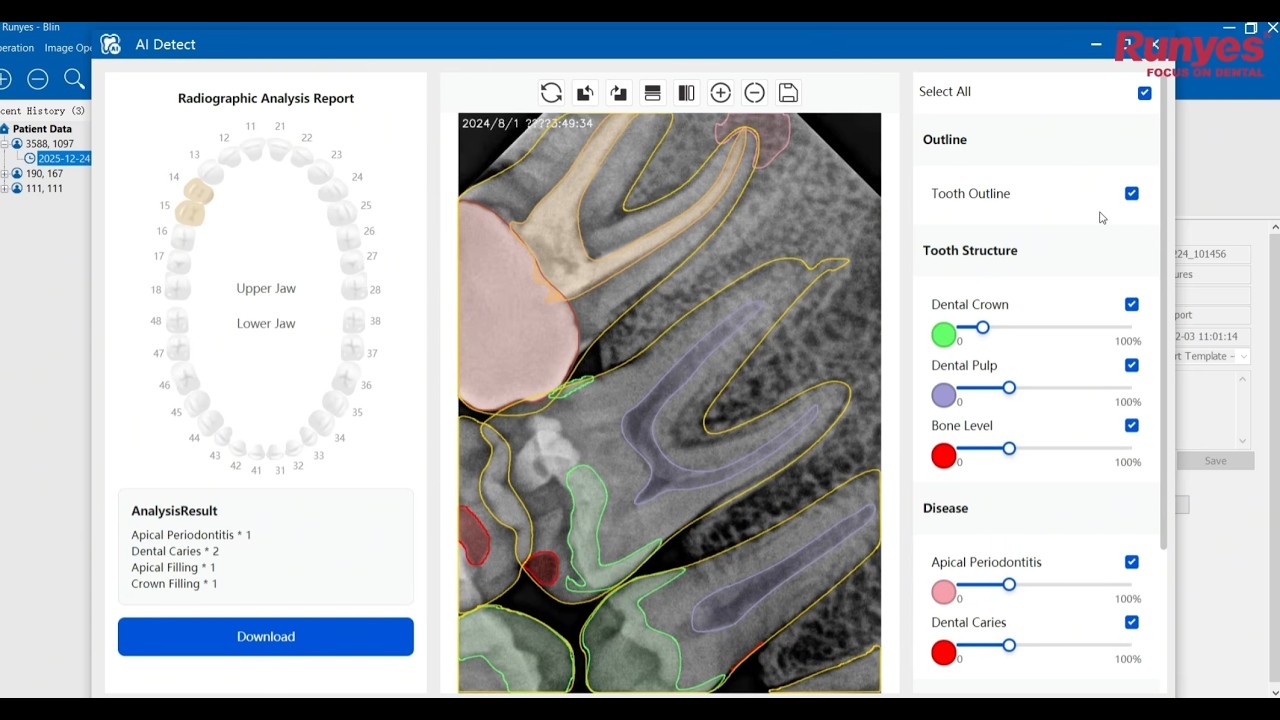
Use AI detection - Runyes sensor
Automatic pathology detection, bone level measurement, and restoration mapping.
 Video list
XVSensor Gateway Configuration - Xpect Vision Sensor
Configure a gateway for your sensor on your work platform
Discover how to configure gateways for the following platforms (video list):
- Acteon
- CDR DICOM
- DBSWIN
- HandyDentist
- XrayVision
- WIM Dental
- SIDEXIS
- Kodak Dental
- iRYS
- DEXIS
- VixWin
- Open Dental
- Eaglesoft
- XVCapture
- LAN installation
 2:19
2:19
Runyes Little Scan intraoral camera
Tutorial for installing and using your Runyes Little Scan intraoral camera
 2:13
2:13
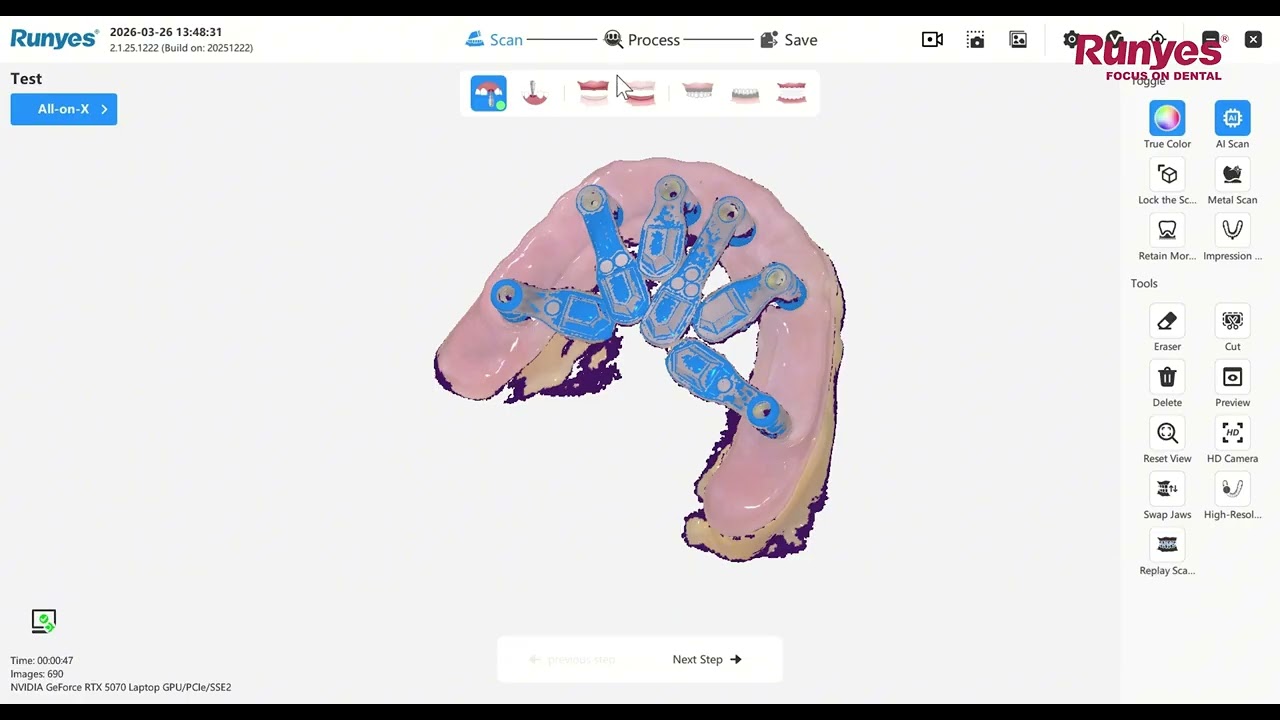
All-on-X Method - Runyes Scanner
Precise scanning and planning for fast, predictable results
 2:24
2:24
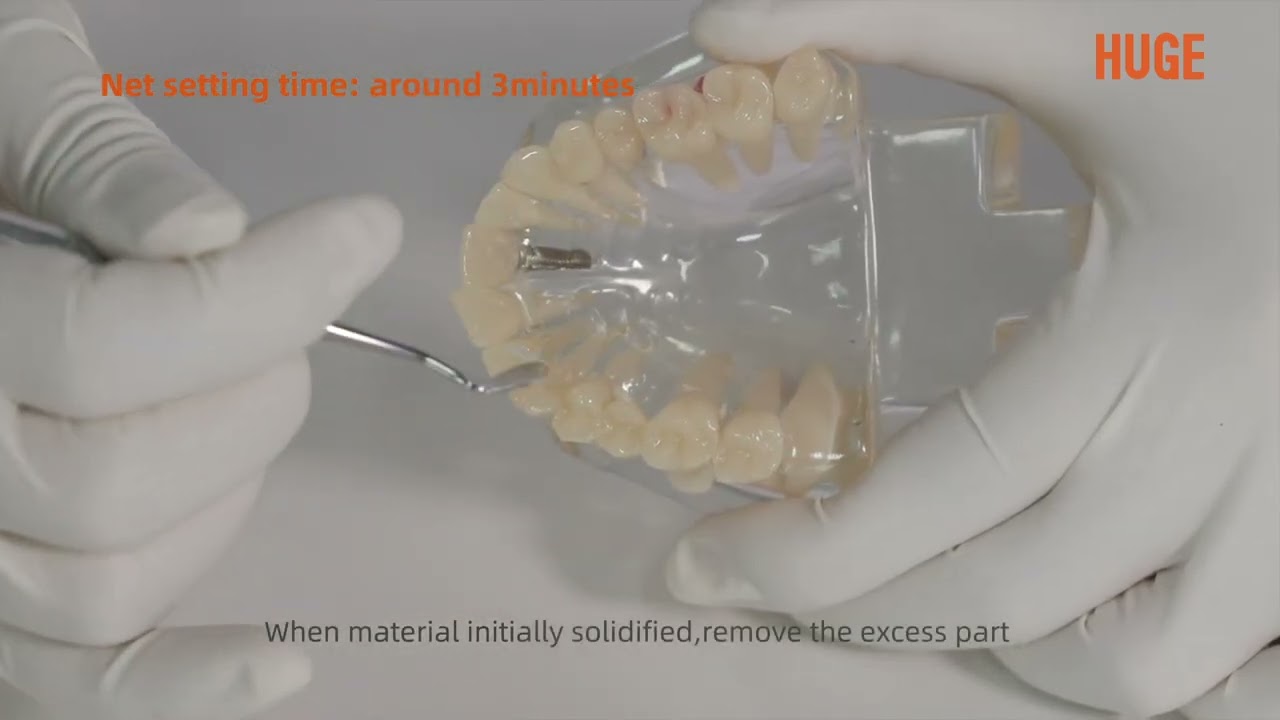
Instructions for using glass ionomer cement – Luting I / Filling I / LuFill HS
Instructions for using Huge glass ionomer cement
 4:09
4:09
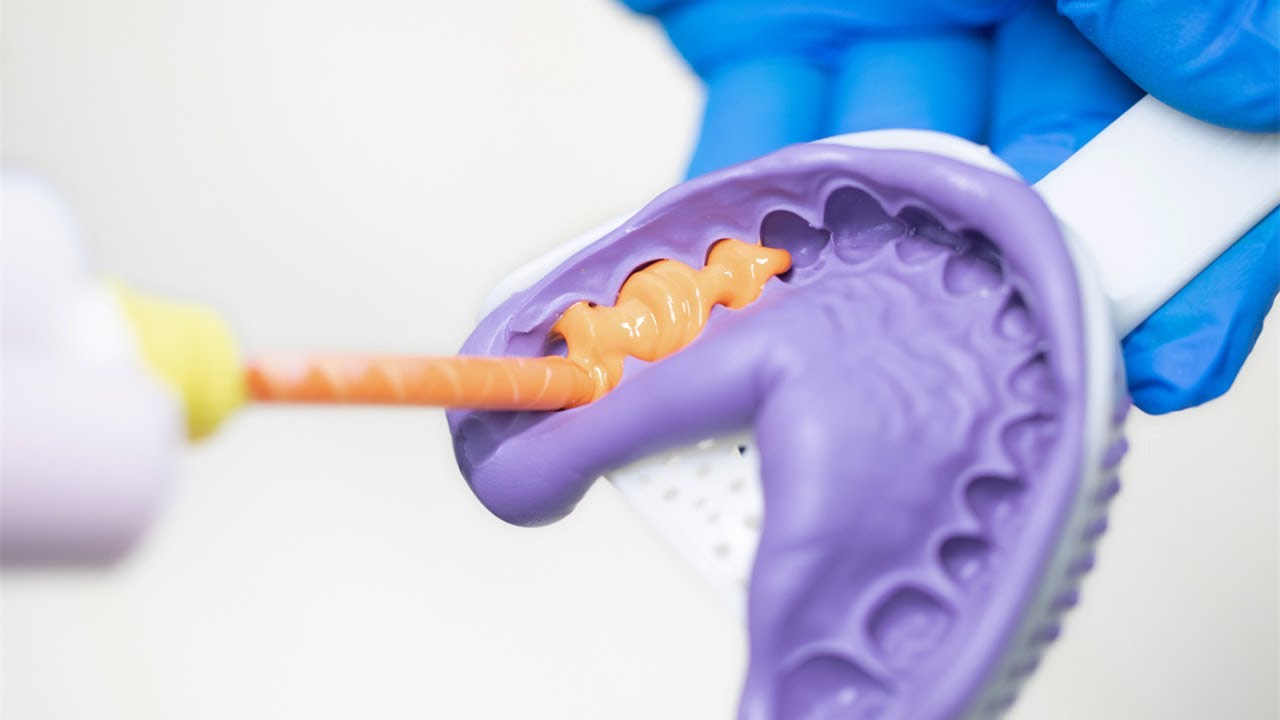
Tutorial on using HUGE PERFIT impression material
Discover a two-step impression technique
 2:06
2:06
Tutorial on using TopCEM dual-cure dental resin luting cement
Designed for cementing prostheses and abutments in dental laboratories
 7:56
7:56
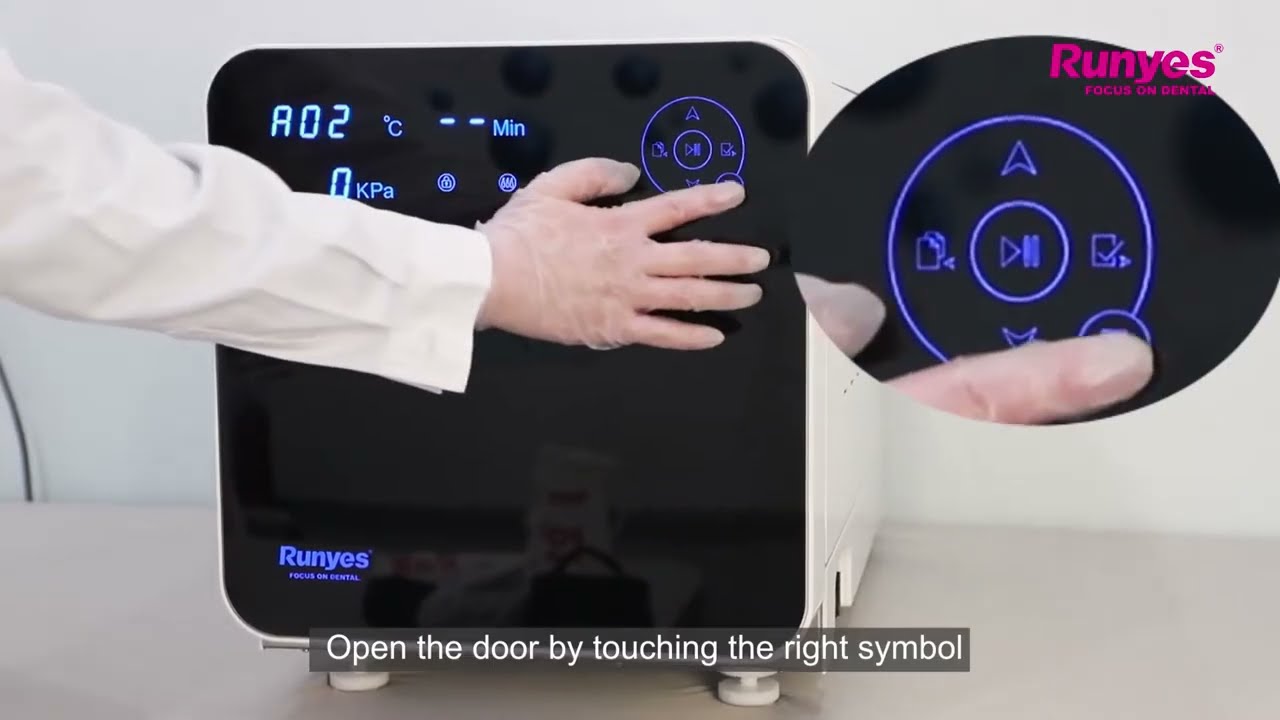
Tutorial on using the Runyes SEA 18/23L Autoclave
Complete guide to using the Runyes SEA 18/23L Autoclave with a touchscreen
 0:52
0:52
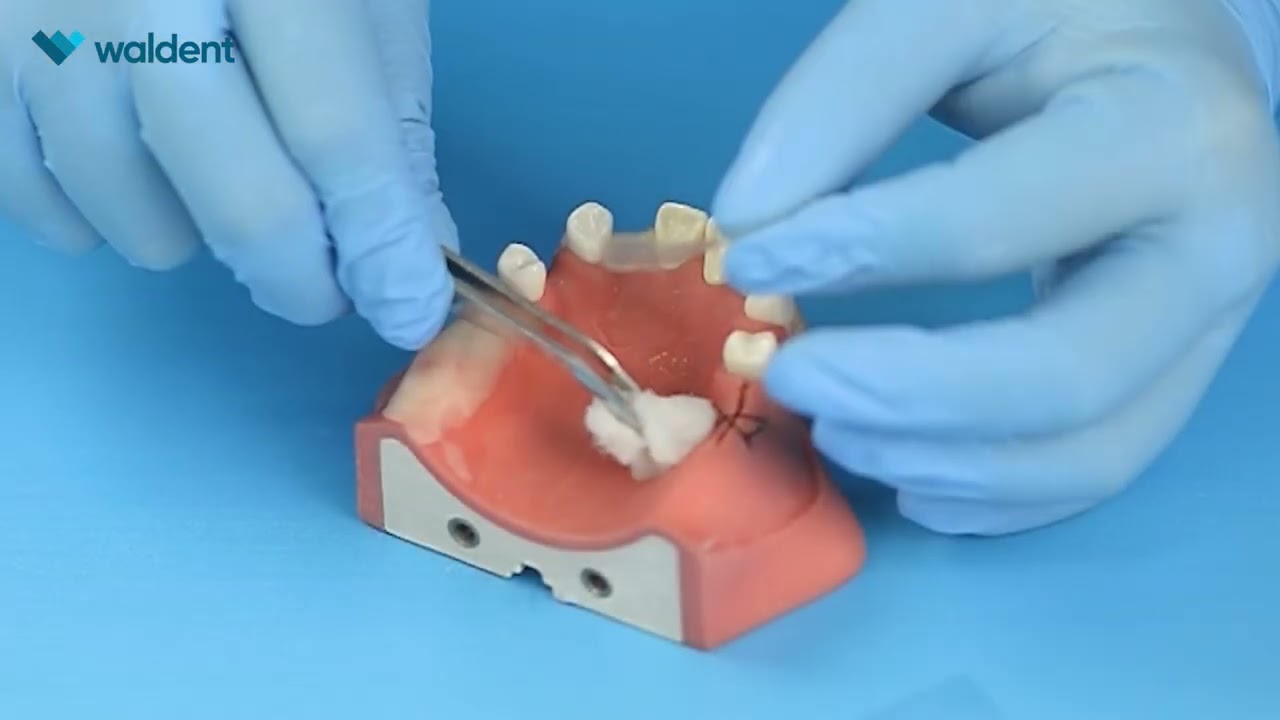
How to use Bona-aid™ during suturing?
Discover in a few steps how to integrate Bona-aid™ into your surgical protocol to protect the surgical site and support the initial healing phase.
 1:23
1:23
Bona-aid™: protecting wounds after oral surgery
Discover the main application steps: site preparation, dressing placement, and recommendations to promote good adhesion.
Our technical team is here to support you.


